Debian root password VM recovery
- Firstly, go to the Advanced Options for… and press
e - find menuentry for ‘recovery mode ‘
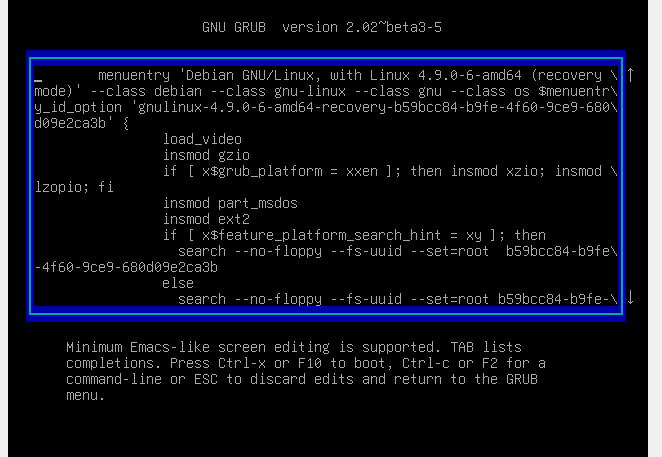
- than find line starting with linux, press right arrow, press end and write init=/bin/bash
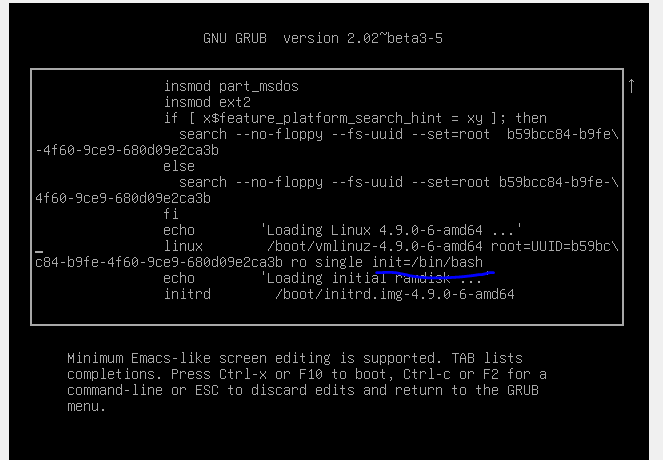
- ctrl+x
- choose recovery mode
- here we go– should show
root@(none):/ - command
mount -rw -o remount / - type
passwdfor changing root password (passwd userfor another user) - reboot
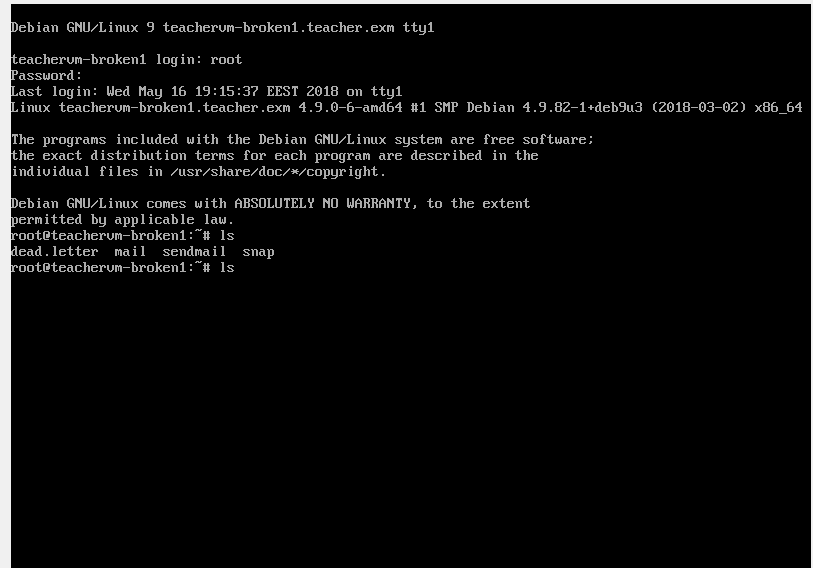
HERE WE GO